AI Video Extender Make Any Video Longer
Upload a clip, pick an AI model, and get back a longer version — up to 20 extra seconds in one run. Pay per run with credits. No subscription.
Need a different aspect ratio, not more seconds? The same app expands the frame to 9:16, 16:9, 1:1 and more. Our sister tool expand.video does the same job
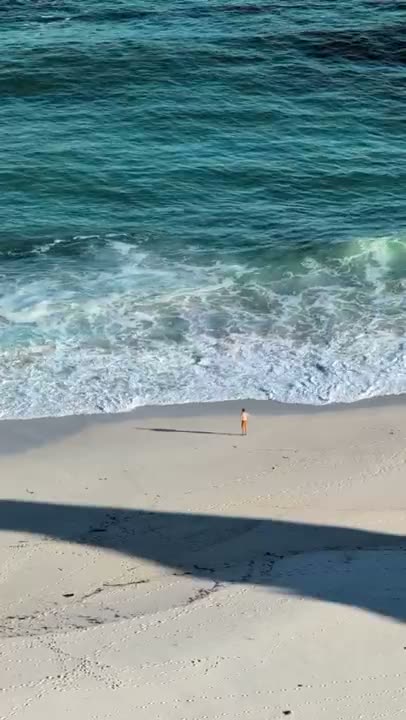
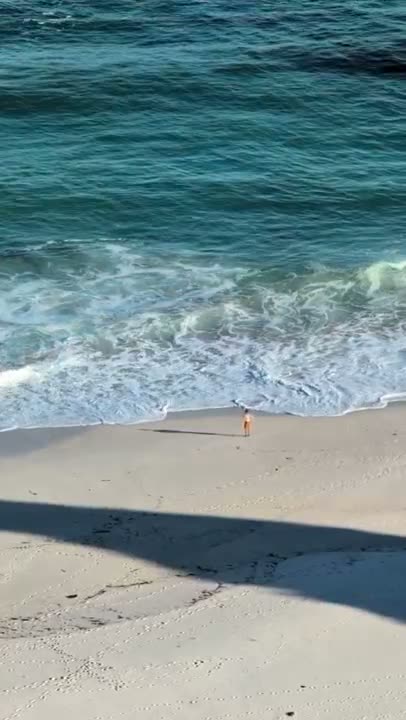
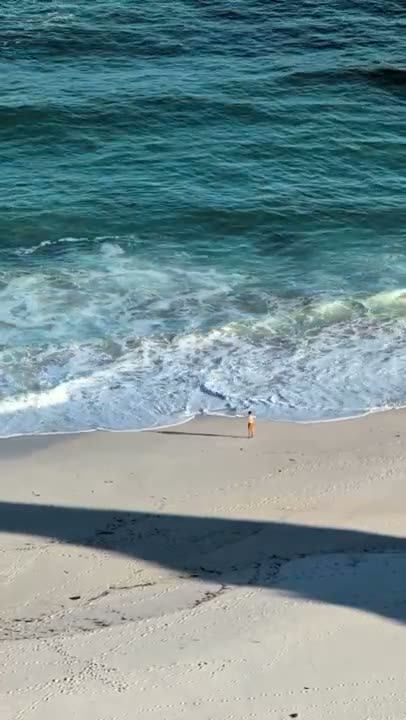
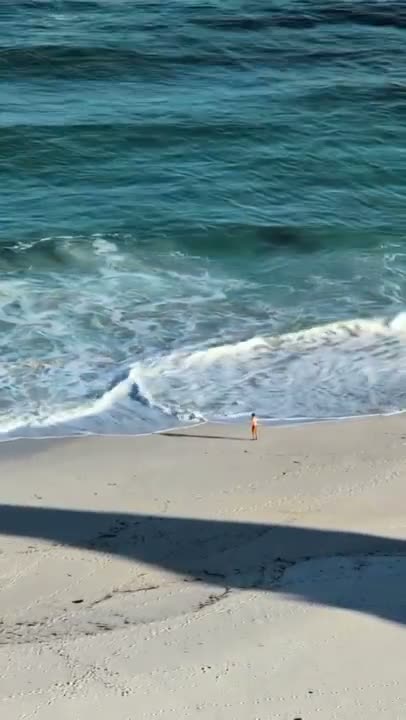
A diagram, not a sample: +5 seconds runs on either extend model, and LTX-2.3 goes up to +20. Faces and hands are still hard for every AI — see what works best.
What You Get Today
The limits and the prices, written down. No trial, no plan to cancel.
4
models, and you choose
Two add seconds: Pixverse Extend and LTX-2.3 Extend. Two change the frame: Luma Ray 2 Flash Reframe and Wan VACE Outpainting.
30s
clips up to half a minute
MP4, MOV or WebM, under 30 seconds and 200 MB. Uploads must be safe for work — every one is checked.
Zero
subscriptions
Pay per run with credits. Most runs cost 1 credit, the longer-form models cost 2, and the price is on the model before you spend.
When the Shot Is Not Enough
Too short, or the wrong shape — fix it with AI instead of reshooting
Hit Platform Minimums
Your clip is 4 seconds but Reels and Shorts want more — add seconds instead of reshooting
Stretch B-Roll for Voiceovers
The narration runs longer than the shot — extend the footage instead of cutting the script
Give Outros Room to Breathe
Add seconds after the last frame so titles, logos and end cards are not cut short
Reframe for Another Platform
A 16:9 shot has to run as 9:16 — expand the frame instead of cropping the subject out of it
See the AI video expanderHow to Extend Video with AI
Three simple steps to make your video longer with AI
Upload Your Clip
Drop in an MP4, MOV or WebM. Then choose what you want: more seconds, or a different aspect ratio
Under 30s and 200 MBPick a Model
Each model shows what it does and what it costs. The AI generates new frames that continue or widen your shot
4 models, 1 or 2 credits a runWatch It and Download
The result arrives as an MP4. Run the same clip through another model any time for a different look
Credits are only spent on a finished videoWhere It Works Best
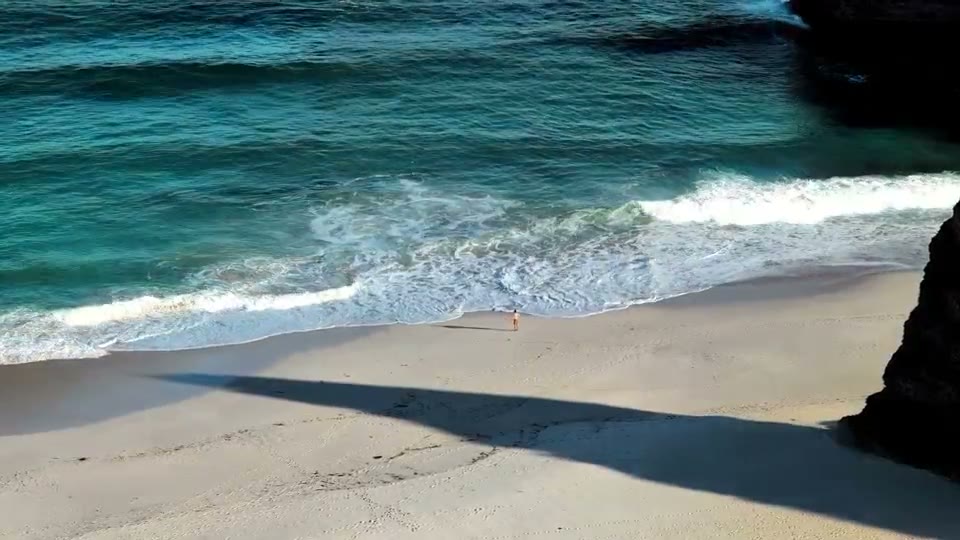
AI video quality is uneven, and some footage is far easier than the rest. The pictures below are illustrations of each content type, not output samples.

Nature & Drone
The strongest case for AI video today. Wide landscapes, sky and slow camera moves hold together when the model adds seconds.
Water & Weather
Waves, rain and clouds have no fixed shape, so small differences between frames read as movement rather than as mistakes.

Product Shots
Slow rotations and steady products usually survive a continuation. Text and logos on the product itself can distort.

Abstract & Motion Graphics
Gradients, light and loops have no single correct next frame, which makes them forgiving — both for extra seconds and for a wider frame.
Faces and people in motion are the hardest content for AI video today. Scenic footage shines. If a run misses on people, expect to try a second model.
AI Video Extender Features
What the four models do, and what they cost
Add 2 to 20 Seconds
LTX-2.3 Extend adds any length from 2 to 20 seconds. Pixverse Extend adds a fixed 5 or 8, for fewer credits
Change the Aspect Ratio
Luma Ray 2 Flash Reframe covers 1:1, 16:9, 9:16, 4:3, 3:4, 21:9 and 9:21. Wan VACE Outpainting widens the sides you pick
You Pick the Model
AI video is uneven, so the choice stays with you. If a result misses, send the same clip to another model
Nothing to Cancel
Credits are bought in packs and spent per run. A failed run is refunded automatically
Works in Your Browser
Nothing to install. Upload, run, and download from any device. Uploads are private to your account
No Editing Skills Needed
No timelines, keyframes, or plugins. Choose a model, set the seconds or the ratio, and run it
Frequently Asked Questions
What the models do, what a run costs, and what to expect
Start Extending Videos with AI
Sign in, buy credits, and run your first clip. Four models are available — two add seconds, two change the aspect ratio.